Since our original 10 Best AI Tools article became one of the most-read posts on this blog, dozens of readers reached out asking for an updated list. And they were right to ask the AI tools landscape has moved fast. Tools that were niche experiments a year ago are now everyday essentials, and a few old favorites have quietly been replaced by sharper, cheaper, or more specialized alternatives.
This guide organizes the10 best AI tools for freelancers and marketers in 2026 by actual workflow not just a random ranked list so you can pick exactly what your business needs instead of paying for tools you’ll never fully use.
AI tools for freelancers in 2026 are no longer a nice to have. For solo professionals and small marketing teams, the right stack can be the difference between scraping by on low-paying gigs and running a business that competes with full-sized agencies. Used well, these tools can double your output, cut admin time in half, and let you offer services you couldn’t have delivered alone a year ago. Used poorly pasted in raw with no editing they produce generic, forgettable work that clients notice immediately.
What’s Changed Since Our Original 10 Best AI Tools Post
A few clear trends separate this 2026 update from our earlier roundup:
- General-purpose assistants have specialized. A year ago, most freelancers used one chatbot for everything. Now, Claude, ChatGPT, and Perplexity each have distinct strengths — long-form writing, general drafting, and cited research, respectively — and pairing them outperforms relying on just one.
- Automation has become accessible to non-developers. Tools like n8n and Make used to require some technical comfort; their newer no-code interfaces mean any freelancer can now automate repetitive admin work without hiring a developer.
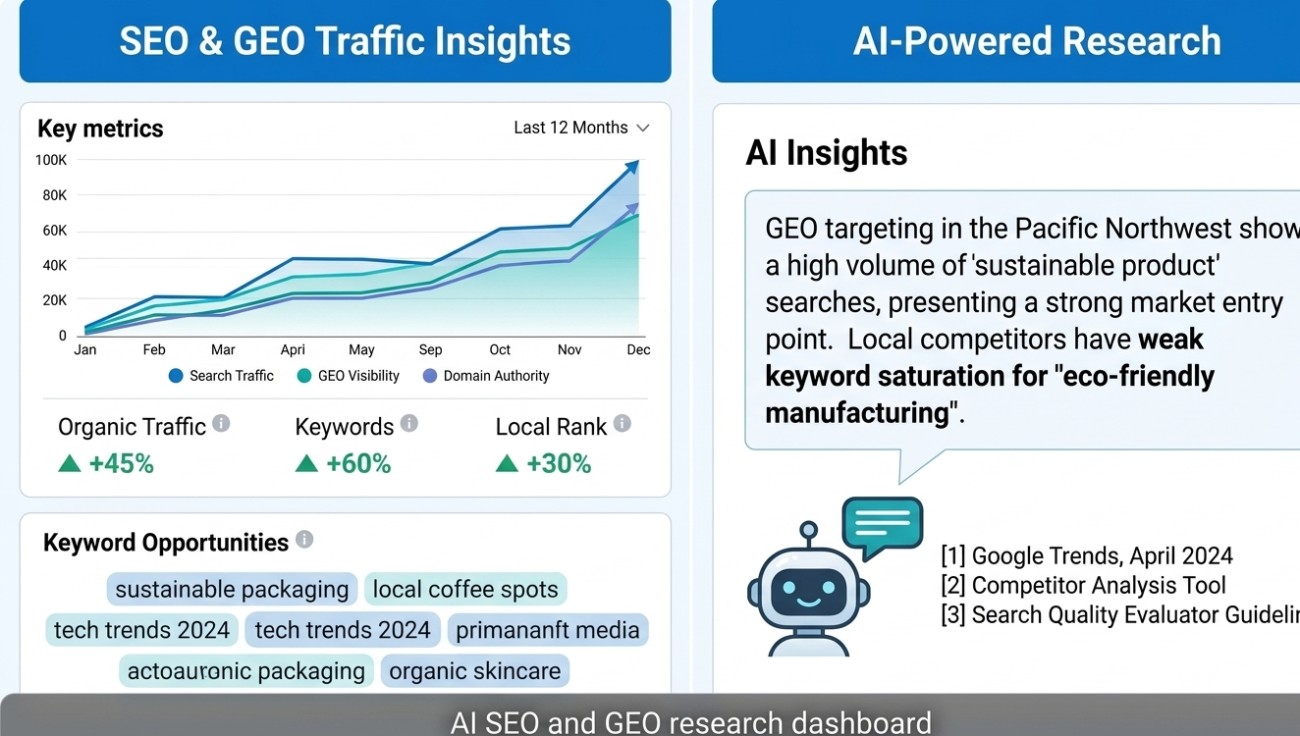
- AI visibility tracking is now a real service line. With GEO (Generative Engine Optimization) growing fast, freelance SEO consultants can now offer AI-citation tracking as a paid deliverable, using tools like Semrush’s AI Toolkit — something that simply didn’t exist as a service two years ago.
- Meeting and admin automation matured. Tools like Fathom and Granola have moved from “nice extra” to genuinely essential for anyone running regular client calls, freeing up hours previously spent on manual note-taking.
These shifts are exactly why a simple top-10 list stops being useful after a year — the right stack today looks meaningfully different from the right stack twelve months ago, and it will likely shift again by 2027.
How We Categorized This List
Rather than one long, unsorted list, we’ve grouped tools into six real freelance and marketing workflows:
- Writing & Content Assistants
- Design & Visual Content
- Video & Voiceover
- Research, SEO & GEO
- Automation & Client Management
- Proposals, Contracts & Admin
Pick one or two tools per category that solve a real bottleneck in your work not every tool on this list is meant for every freelancer.
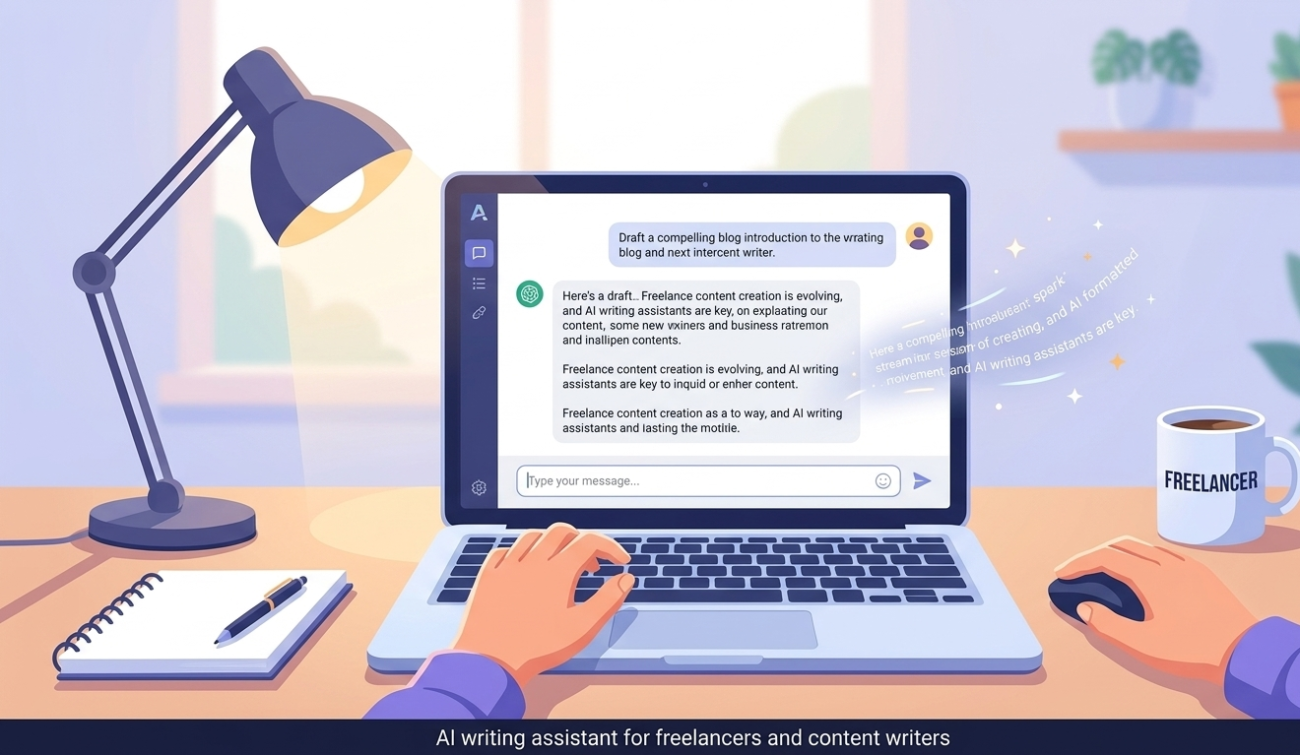
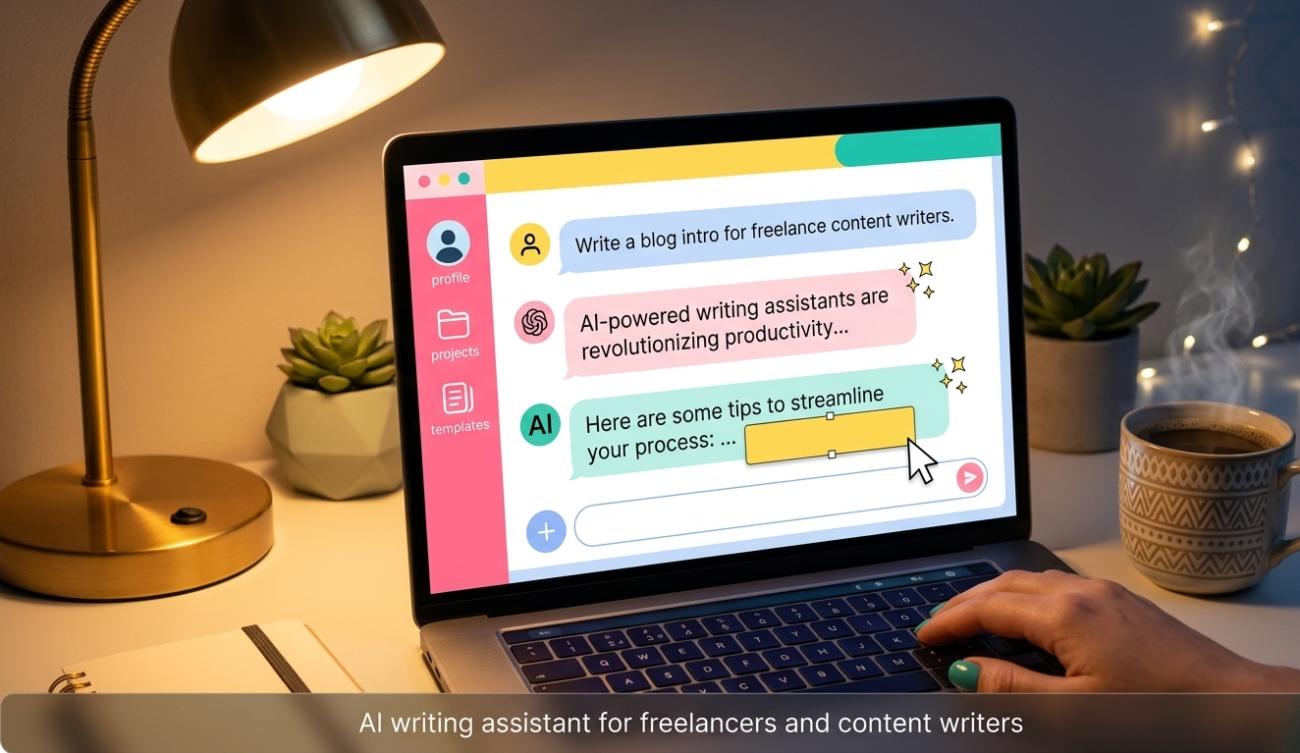
1. AI Writing & Content Assistants
ChatGPT
The foundational, general-purpose AI assistant —useful for brainstorming, first drafts, client communication templates, coding help, and quick research summaries.
- Best for: Writers, marketers, and consultants who want one flexible tool for everything
- Pricing: Free tier available; paid plans for higher limits and advanced features
Claude
Increasingly the preferred tool for long-form reasoning, detailed reports, and writing that reads naturally rather than generic and robotic.
- Best for: Freelance writers, content strategists, and anyone producing long articles, guides, or documentation
- Pricing: Free tier available; paid plans unlock longer context and priority access
Jasper
Purpose-built for marketing copy — ad headlines, product descriptions, and brand-voice-consistent content at scale across multiple client accounts.
- Best for: Marketing freelancers managing several client brand voices at once
- Pricing: Paid subscription, positioned for agencies and marketing teams
2. AI Design & Visual Content Tools
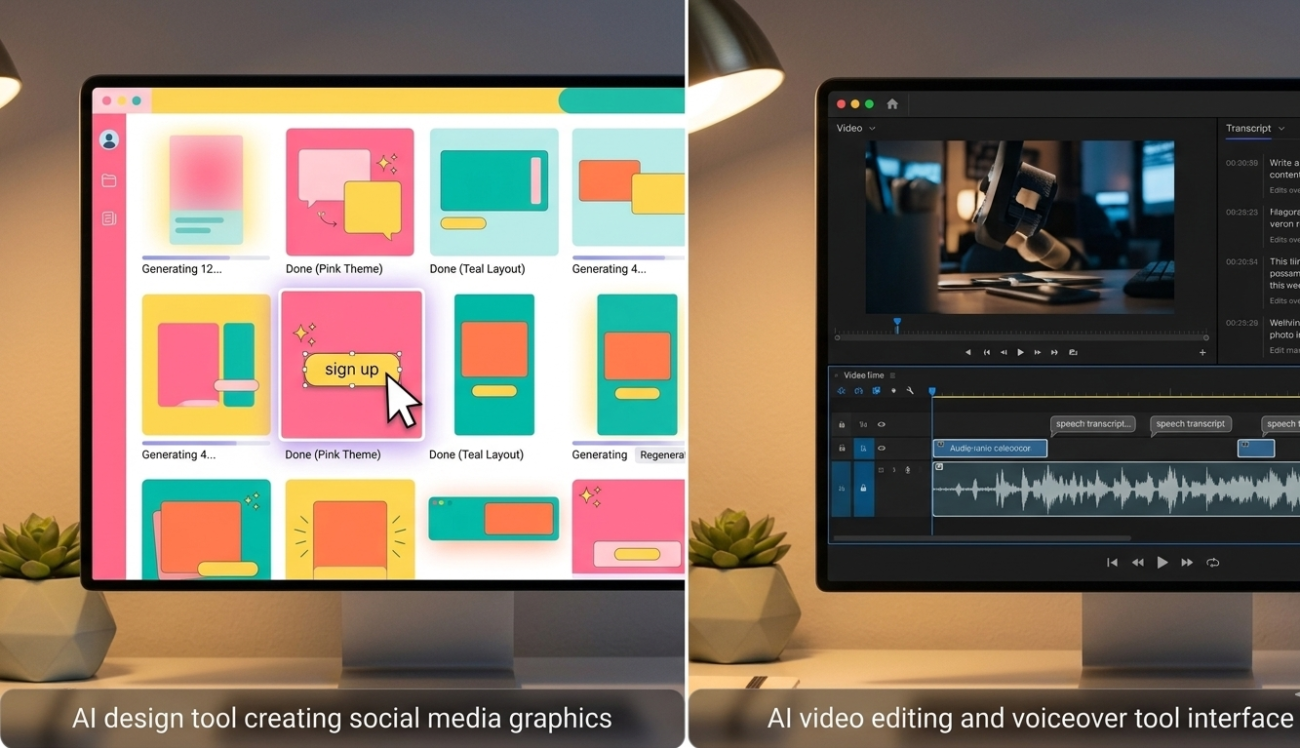
Canva AI (Magic Studio)
Lets freelancers with zero design background build brand identity kits, social media posts, and client presentations in minutes. Magic Studio’s core AI features are included even on Canva’s free plan.
- Best for: Social media managers, small agencies, and non-designers who need fast, professional-looking visuals
- Pricing: Free plan available; Pro plan unlocks advanced Magic Studio tools
Midjourney / Stable Diffusion
Text-to-image (and increasingly text-to-video) generators that turn a written prompt into original artwork — useful for blog headers, ad creatives, and logo concept mockups.
- Best for: Freelance designers and content creators who need custom visuals without ongoing stock-photo costs
- Pricing: Subscription-based, tiered by image generation volume
AI Video & Voiceover Tools
Descript
Combines AI video editing with text-based editing — you literally edit a video by editing its transcript, which dramatically cuts editing time for talking-head and podcast-style content.
- Best for: Freelancers offering YouTube editing, podcast production, or short-form video services
- Pricing: Free tier available; paid plans add advanced AI editing features
Murf AI
Generates realistic voiceovers across multiple languages and accents, removing the need to hire a voice artist for explainer videos or course narration.
- Best for: Course creators, video freelancers, and marketers repurposing blog content into video
- Pricing: Subscription-based, tiered by usage minutes
4. AI Research, SEO & GEO Tools
Perplexity
Pulls live information from the web with clear source citations attached to nearly every factual claim, and lets you save ongoing research into organized “Spaces” for ongoing client projects.
- Best for: Marketers and freelance researchers who need fast, verifiable answers instead of scrolling through ten browser tabs
- Pricing: Free tier available; Pro plan adds more searches and file uploads
Semrush AI Toolkit / Ahrefs Brand Radar
These platforms have expanded beyond keyword rank tracking to monitor AI citation frequency and brand “share of voice” across ChatGPT, Perplexity, and Gemini — a critical shift as Generative Engine Optimization (GEO) becomes as important as traditional SEO.
- Best for: SEO freelancers and agencies who need to prove ROI on both classic search rankings and AI visibility
- Pricing: Mid-to-high tier subscription, positioned for professional and agency use
5. AI Automation & Client Management
Notion AI
Helps freelancers juggling multiple clients stay organized — summarizing meeting notes, auto-drafting project briefs, and centralizing client information in one workspace.
- Best for: Freelancers managing five or more active clients at once
- Pricing: Free tier available; paid plans add unlimited AI usage
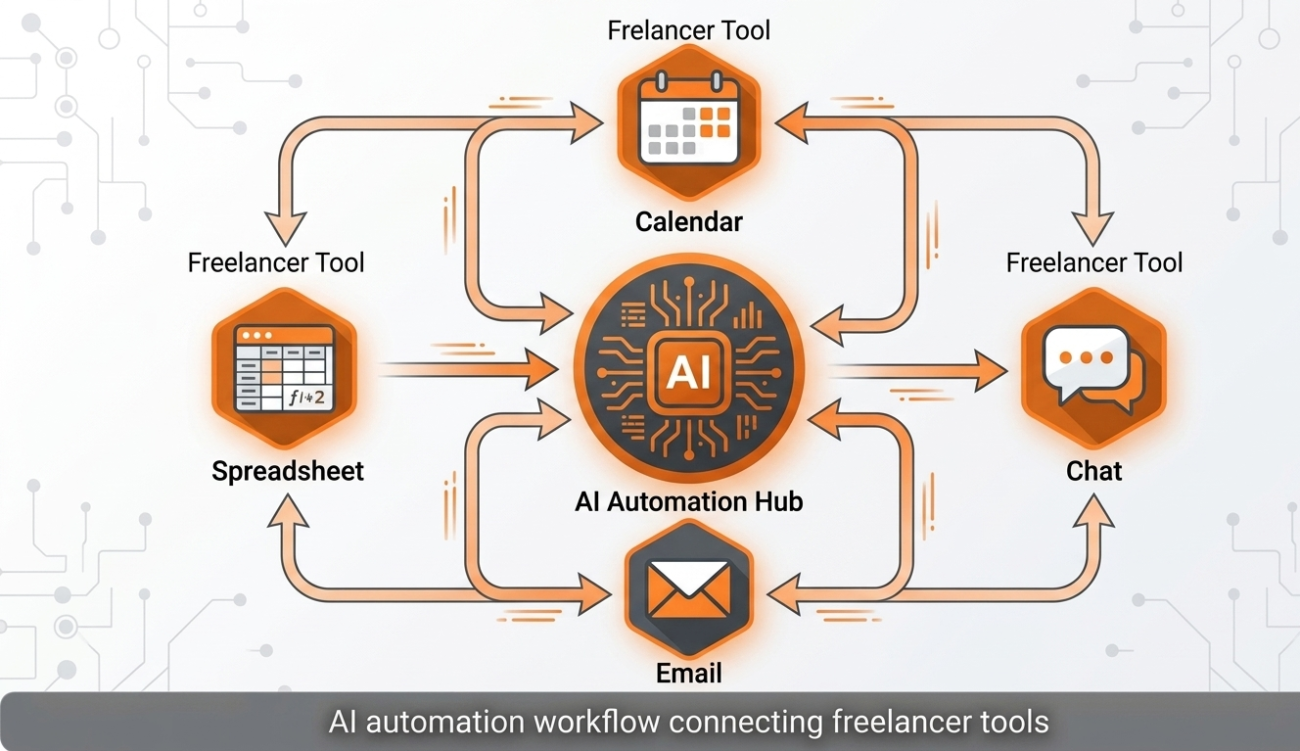
n8n / Make
No-code automation platforms that connect your tools together — automatically sending invoices, updating spreadsheets, or cross-posting content without manual repetitive work.
- Best for: Freelancers and small agencies scaling operations without hiring extra admin staff
- Pricing: Free tier for light use; usage-based pricing for scaled automation
Fathom / Granola
AI meeting-notes tools that automatically transcribe and summarize client calls in real time, so no action item ever gets missed.
- Best for: Consultants and account managers running frequent client calls
- Pricing: Free tiers available; paid plans add team sharing and integrations
6. AI Proposals, Contracts & Admin
AI Proposal & SOW Generators
Purpose-built document generators create Statements of Work (SOWs) and contracts from clause libraries, producing client-ready documents on the first draft — unlike general-purpose chatbots, whose output for anything carrying legal weight usually needs significant cleanup.
- Best for: Freelancers who want polished, professional proposals without hiring a lawyer for every contract
- Pricing: Subscription-based, often bundled with proposal/CRM tools
Copy.ai
Helps marketing freelancers turn one piece of content into multiple formats — a blog post into social captions, email copy, and ad variations — inside a single workflow.
- Best for: Solo marketers managing content across many channels with limited time
- Pricing: Free tier available; paid plans scale with content volume

Full Pricing & Feature Snapshot
For quick reference, here’s how all 15 tools stack up side by side:
| Tool | Category | Free Tier? | Best Use Case |
| ChatGPT | Writing | Yes | General-purpose drafting & brainstorming |
| Claude | Writing | Yes | Long-form, natural-sounding content |
| Jasper | Writing | No | Multi-client brand-voice marketing copy |
| Canva AI (Magic Studio) | Design | Yes | Social posts, presentations, brand kits |
| Midjourney / Stable Diffusion | Design | No | Custom original imagery & ad creatives |
| Descript | Video | Yes | Text-based video editing |
| Murf AI | Voiceover | Limited | Multilingual voiceovers |
| Perplexity | Research | Yes | Cited, real-time web research |
| Semrush AI Toolkit / Ahrefs Brand Radar | SEO/GEO | No | AI citation & rank tracking |
| Notion AI | Organization | Yes | Client notes & project briefs |
| n8n / Make | Automation | Yes | Connecting apps & automating admin |
| Fathom / Granola | Meetings | Yes | Auto call transcription & summaries |
| AI Proposal/SOW Generators | Admin | Varies | Client-ready contracts & proposals |
| Copy.ai | Repurposing | Yes | One post into many content formats |
Use this table as a shopping list — you don’t need all 15. Most solo freelancers realistically run a lean stack of four to six tools across their top two or three bottleneck categories.
A Real Freelancer Workflow Example
To make this concrete, here’s how a freelance content marketer might actually chain several of these tools together on a single client project:
- Research phase: Use Perplexity to pull current statistics and competitor angles on the client’s topic, with sources cited for fact-checking.
- Drafting phase: Feed that research into Claude to produce a well-structured first draft in the client’s brand voice.
- Editing phase: Run the draft through Grammarly-style editing tools and personally revise for voice, nuance, and accuracy — the 10–30% of the work that AI can’t do for you.
- Visual phase: Build a matching social graphic and blog header in Canva AI’s Magic Studio.
- Distribution phase: Use n8n or Make to automatically schedule the post across the client’s social channels and log the deliverable in Notion.
- Reporting phase: Track whether the piece gets picked up in AI Overviews or cited by Perplexity using Semrush’s AI Toolkit, and include that in the monthly client report.
Total time for what used to be a full day of manual work: often two to three hours, with the freelancer spending most of that time on judgment calls rather than repetitive execution.
Quick Comparison: Which Category Should You Start With?
| Your Biggest Bottleneck | Start With | Why |
| Writing takes too long | ChatGPT or Claude | Fastest way to compress first-draft time |
| Can’t afford a designer | Canva AI | Professional visuals with zero design skill |
| Video editing eats your week | Descript | Text-based editing cuts hours off every project |
| Research takes forever | Perplexity | Cited, current answers in seconds |
| Losing track of clients | Notion AI | Centralizes notes, briefs, and follow-ups |
| Manual repetitive admin | n8n / Make | Automates the boring, repeatable tasks |
| Proposals take too long to write | SOW/Proposal generators | Client-ready drafts on the first pass |
3 Mistakes Freelancers Make With AI Tools
Mistake 1: Using free tiers for paid client work. Free tiers usually come with rate limits, slower models, and weaker privacy guarantees. For real client deliverables, the paid tier is worth it — it’s a tax-deductible business expense, and it removes the risk of hitting a usage limit mid-project.
Mistake 2: Treating AI output as finished work. AI typically gets you 70–90% of the way there on most tasks. The remaining 10–30% — voice, judgment, strategy, and quality control — is exactly where your value as a freelancer lives. Freelancers who thrive in 2026 are the ones who edit AI output carefully, not the ones who copy-paste it raw.
Mistake 3: Ignoring data handling and client confidentiality. If you work with sensitive client information, always check a tool’s data retention and training policies before uploading files. Most professional-grade tools, including ChatGPT and Claude, offer settings that prevent your conversations from being used for model training — but you have to turn them on.
How to Build Your Own AI Tool Stack (Without Overspending)
- Start with your biggest bottleneck, not the longest feature list. Pick a category from the comparison table above.
- Test one tool per category on two or three real projects before committing to a paid plan.
- Cancel anything you haven’t used in the last two weeks. Subscription creep is the single biggest way freelancers overspend on AI tools.
- Combine tools deliberately. For example: research in Perplexity → draft in Claude → visuals in Canva AI → schedule with an automation tool. A connected workflow beats a pile of disconnected subscriptions.
- Reinvest the time you save into higher-value client work, not more tool-hopping.
Frequently Asked Questions
Do I need to pay for AI tools, or are free versions enough?
Free tiers are fine for testing and personal projects, but for client-facing, paid work, upgraded plans generally offer better privacy protections, higher usage limits, and more reliable output — worth the investment once you’re earning from the tool.
Will AI tools replace freelancers in 2026?
No — but freelancers who use AI tools well will increasingly outperform those who don’t. AI compresses the time-consuming, repetitive parts of the work; your judgment, taste, strategy, and client relationships remain the parts clients are actually paying for.
Which AI tool should a beginner freelancer start with?
Start with one general-purpose assistant (ChatGPT or Claude) and one category-specific tool that matches your core service — Canva AI for design freelancers, Descript for video freelancers, or Perplexity for research-heavy marketing work.
Is it safe to use AI tools with confidential client data?
It can be, but only if you check each tool’s data retention and training-opt-out settings first. Never upload sensitive client documents to a free-tier tool without confirming its privacy policy.
How many AI tools should a freelancer actually pay for at once?
Most solo freelancers get the best return from four to six paid tools covering their two or three biggest bottlenecks, rather than a large collection of overlapping subscriptions that mostly go unused. Review your stack every few months and cancel anything you haven’t opened in the last two weeks.
Can these tools help me raise my freelance rates?
Indirectly, yes. Clients pay for outcomes and reliability, not for the specific tools behind them. When AI tools let you deliver faster, offer additional services (like video alongside writing), and reduce your own error rate, that expanded value is exactly what supports raising your rates over time — as long as the quality stays consistently high.
Choosing Tools by Freelance Specialty
Different freelance disciplines benefit from very different parts of this list. If you’re not sure where to start, match your specialty below:
- Freelance writers & bloggers: ChatGPT or Claude for drafting, Perplexity for research, Copy.ai for repurposing one article into multiple formats.
- Social media managers: Canva AI for visuals, Copy.ai for captions across platforms, n8n or Make to schedule and automate posting.
- Freelance video editors: Descript for text-based editing, Murf AI for voiceover work when a client doesn’t have their own narrator.
- SEO & marketing consultants: Perplexity and Semrush’s AI Toolkit for research and AI-citation tracking, Notion AI to organize multi-client reporting.
- Virtual assistants & consultants: Notion AI and Fathom/Granola to manage notes and calls across several clients, AI proposal generators to speed up onboarding new clients.
Final Thoughts
The freelancers and marketers who win in 2026 aren’t the ones using the most AI tools — they’re the ones who picked the right few tools for their actual bottlenecks and mastered them. Build a lean, connected stack, keep your human judgment in the loop, and treat every tool here as a way to buy back hours for the work only you can do.
Want hands-on training on exactly how to use these AI tools inside real freelancing and marketing workflows? Our AI for Freelancers, Digital Marketing, and Content Writing courses at CyberInitiator Institute of Professional Studies walk you through practical, project-based use of every tool category covered in this guide.