
Website Design Services: What Every Business Owner Should Know Before Hiring a Designer
If you’ve ever landed on a business website that took ten seconds to load, looked broken on your phone, or made you leave before you even understood what the company did, you already understand why website design services matter. A website isn’t just a digital business card anymore. For most companies, it’s the first — and sometimes only — impression a potential customer forms before deciding whether to call, buy, or move on to a competitor.
That’s the real value behind professional website design services: they turn a website from a static online brochure into a working part of the business, one that builds trust, answers questions, and moves visitors toward becoming customers. But “website design” means different things to different providers, and the range in quality, process, and pricing across the industry is enormous.
This guide walks through what website design services actually involve, how the process works from first conversation to launch, what separates a good website from a forgettable one, and what to look for — and look out for — when choosing a provider. Whether you’re launching your first business site or replacing one that’s no longer pulling its weight, the goal here is to help you make an informed decision, not a rushed one.
Table of Contents
- What Website Design Services Actually Include
- Why Professional Web Design Matters for Business Growth
- The Website Design Process, Step by Step
- Responsive Design and Mobile Optimization
- UX and UI: The Difference and Why Both Matter
- Website Speed and Core Web Vitals
- SEO-Friendly Website Architecture
- Website Security Basics
- WordPress vs. Custom-Built Websites
- Landing Pages vs. Full Business Websites
- Website Redesign: When and Why
- Conversion Optimization
- Website Accessibility
- Cost Considerations: What Website Design Really Costs
- DIY vs. Hiring a Professional
- Questions to Ask a Web Design Provider Before Hiring
- Common Mistakes Businesses Make With Their Websites
- Website Maintenance After Launch
- How Cyberinitiators Can Help
- Frequently Asked Questions
What Website Design Services Actually Include
“Website design” sounds like a single service, but in practice it’s a bundle of interconnected disciplines working toward one outcome: a site that looks right, works right, and performs right.
A comprehensive website design engagement typically covers:
- Visual design — layout, color palette, typography, imagery, and brand consistency
- User experience (UX) planning — how visitors move through the site and find what they need
- Front-end development — turning the design into functioning HTML, CSS, and JavaScript
- Back-end development — the systems that power forms, databases, logins, and dynamic content
- Content strategy — organizing and sometimes writing the copy that fills the site
- Technical SEO setup — making sure the site’s structure is something search engines can actually read and rank
- Testing and quality assurance — checking the site across browsers and devices before launch
- Ongoing support — updates, backups, and fixes after the site goes live
Some providers offer the full package. Others specialize in one piece — a freelancer might only handle visual design, while a development agency might focus purely on the code. Knowing which pieces you need, and which a given provider actually delivers, is the first step in avoiding a mismatch.
Why Professional Web Design Matters for Business Growth
It’s tempting to treat a website as a one-time expense — build it, forget it, move on. But a website is closer to a storefront than a brochure. It works around the clock, and its condition directly affects whether visitors trust the business behind it.
A few reasons a well-designed website tends to pay for itself over time:
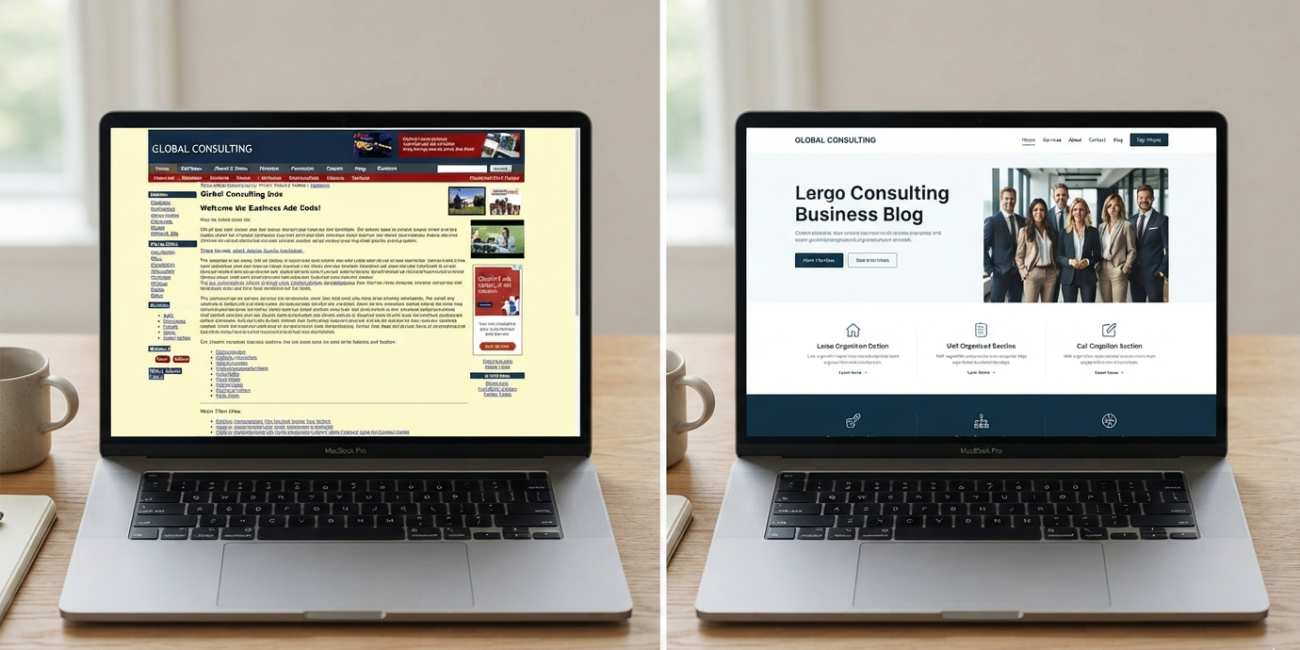
First impressions form fast. Visitors form an opinion about a website’s credibility within seconds of arriving. A dated design, cluttered layout, or slow-loading page can push a visitor away before they’ve read a single word of your content.
Mobile traffic dominates. For most industries, more visitors now arrive on a phone than a desktop computer. A site that wasn’t built with mobile in mind is turning away a majority of its potential audience.
Search visibility depends on technical quality. Search engines weigh page speed, mobile usability, and site structure when deciding how to rank pages. A poorly built site can undermine even excellent content.
Conversion is a design problem as much as a marketing one. Clear calls to action, logical navigation, and a frictionless path to contact or purchase all come from thoughtful design — not luck.
None of this means every business needs an expensive, elaborate website. It means the fundamentals — speed, clarity, mobile usability, and a clear path to action — aren’t optional extras. They’re the baseline.
The Website Design Process, Step by Step
A professional web design project generally follows a similar arc even if the terminology varies between providers.
- Discovery and research. The designer learns about the business, its audience, its competitors, and its goals for the site. This stage should involve real conversation not a generic questionnaire.
- Sitemap and content planning. Before any visual design begins, the pages and their relationships to each other get mapped out — home, services, about, contact, and any additional pages the business needs.
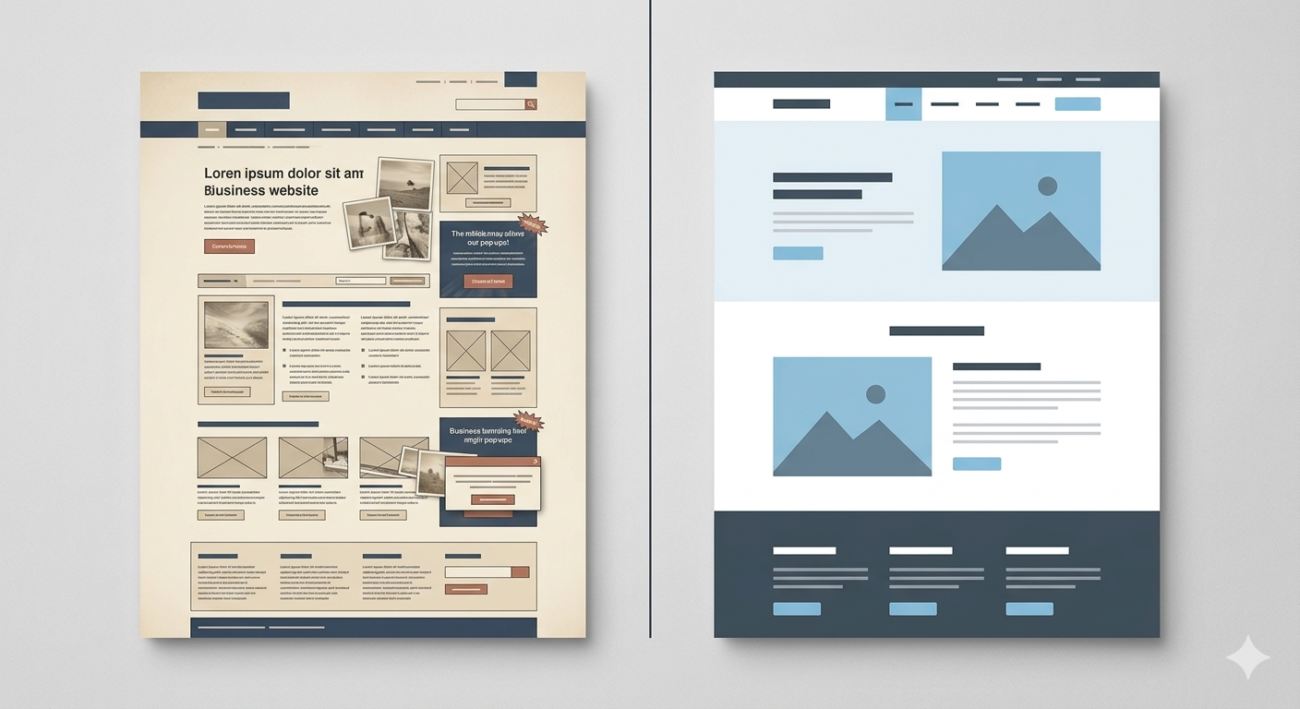
- Wireframing. Rough, unstyled layouts establish where content and functionality will sit on each page, without the distraction of color or imagery.
- Visual design (mockups). The wireframes are turned into a styled design showing exactly how the finished pages will look.
- Development. Designers or developers build the approved design into a functioning website, connecting forms, navigation, and any custom features.
- Content integration. Final copy, images, and other assets are added to the built pages.
- Testing. The site is checked across browsers, devices, and screen sizes, and every link, form, and button is verified.
- Launch. The site goes live, DNS and hosting are configured, and analytics tracking is set up.
- Post-launch support. Bugs get fixed, and the business is trained on how to make basic updates if the platform allows it.
Skipping steps — particularly discovery and wireframing — is one of the most common reasons projects run over budget or result in a site that doesn’t actually fit how the business operates.
Responsive Design and Mobile Optimization
Responsive design means a website automatically adjusts its layout to fit the screen it’s being viewed on, rather than forcing a desktop-sized layout onto a small phone screen. This isn’t a nice-to-have anymore — it’s a baseline expectation.
A properly responsive site should:
- Resize images and text without breaking the layout
- Keep navigation usable with a thumb, not just a mouse
- Avoid horizontal scrolling on smaller screens
- Keep buttons and links large enough to tap accurately
- Load quickly even on slower mobile connections
Mobile optimization goes a step further than responsiveness. It considers how people actually behave on a phone — shorter attention spans, one-handed use, and a higher likelihood of wanting to call a business directly rather than fill out a long form. A mobile-optimized site might prioritize a visible phone number, simplify forms, or reorder content so the most important information appears first
UX and UI: The Difference and Why Both Matter
These two terms get used almost interchangeably, but they describe different things.
UX (User Experience) is about how a site functions — whether visitors can find what they’re looking for, whether the checkout process makes sense, whether the navigation is intuitive. Good UX is often invisible; you only notice it when it’s missing.
UI (User Interface) is about how a site looks and feels — the buttons, colors, typography, spacing, and visual style. Good UI makes a site pleasant to use and reinforces the brand.
A site can have beautiful UI and still fail if the UX is confusing — for instance, a gorgeous homepage where visitors can’t figure out how to actually contact the business. Conversely, a site can be perfectly functional but visually forgettable, which hurts trust and brand recall. The strongest websites get both right at the same time.
Website Speed and Core Web Vitals
Page speed affects two things at once: how visitors experience the site, and how search engines evaluate it.
Google formalized this relationship through Core Web Vitals, a set of measurable signals covering:
- Largest Contentful Paint (LCP) — how quickly the main content of a page loads
- Interaction to Next Paint (INP) — how responsive the page feels when a visitor interacts with it
- Cumulative Layout Shift (CLS) — how much the page layout jumps around while loading
Slow, unstable pages tend to lose visitors before those visitors ever see the content designers worked hard to create. Common causes of slow websites include unoptimized images, excessive plugins, bloated code, and cheap or overloaded hosting.
A professional web design service should account for speed from the start — not as an afterthought fixed after launch, but as part of how the site is built, including image compression, efficient code, and reliable hosting.
SEO-Friendly Website Architecture
A website can be visually stunning and still be invisible on search engines if it’s built without SEO in mind. Website architecture — the way pages are organized, linked, and labeled — has a direct effect on whether search engines can properly index and rank the site.
Key elements of SEO-friendly architecture include:
- A logical, shallow site structure where important pages are just a click or two from the homepage
- Clean, descriptive URLs rather than long strings of numbers and symbols
- Proper use of heading tags (H1, H2, H3) to organize content
- Internal linking between related pages using descriptive anchor text
- An XML sitemap submitted to search engines
- Structured data (schema markup) that helps search engines understand page content
- Alt text on images for both accessibility and search context
This is different from ongoing SEO content work — it’s the technical foundation that content and link-building efforts are built on top of. A site with weak architecture will struggle to rank no matter how much content gets added later.
If your business is specifically focused on visibility in search results, it’s worth pairing website design with dedicated SEO services for small businesses to make sure the technical foundation and ongoing optimization work together rather than in isolation.
Website Security Basics
Security is easy to overlook until something goes wrong — a hacked site, a data breach, or a browser warning telling visitors the site isn’t safe. None of these are good for business credibility.
Baseline security practices for a business website include:
- An SSL certificate (the padlock icon and “https” in the browser bar)
- Regular software and plugin updates, especially on platforms like WordPress
- Strong, unique login credentials and limited admin access
- Regular backups stored separately from the live site
- Basic firewall or security monitoring, particularly for e-commerce sites handling payment data
- Careful vetting of any third-party plugins or scripts added to the site
For businesses handling sensitive customer data — payments, health information, or personal records — security requirements go further, often involving compliance standards specific to the industry. A capable web design provider should be able to explain, in plain language, what security measures are included and why.
WordPress vs. Custom-Built Websites
One of the most common decisions businesses face is whether to build on a platform like WordPress or commission a fully custom-built site.
| Factor | WordPress | Custom-Built |
| Initial cost | Generally lower | Generally higher |
| Development speed | Faster, using themes and plugins | Slower, built from scratch |
| Flexibility | Good, within plugin/theme limits | Very high, no built-in constraints |
| Ongoing maintenance | Requires regular plugin/core updates | Depends entirely on the build |
| Ease of self-editing | Generally easy for non-technical users | Depends on what’s built for the client |
| Best for | Most small to mid-sized business sites | Complex, highly specific functionality |
WordPress powers a large share of the websites on the internet for good reason — it’s flexible, well-supported, and lets non-technical business owners manage their own content once the site is built. Custom development makes more sense when a business needs functionality that off-the-shelf platforms and plugins can’t reasonably support, such as a highly specific internal tool or an unusually complex e-commerce workflow.
Neither option is inherently “better.” The right choice depends on the business’s technical needs, budget, and how much control the team wants over day-to-day content updates.
Landing Pages vs. Full Business Websites
These serve different purposes, and confusing the two often leads to wasted marketing spend.
A landing page is a single, focused page built around one specific goal — usually tied to a specific ad campaign, offer, or lead-generation effort. It typically has minimal navigation, a single clear call to action, and messaging tailored precisely to whatever brought the visitor there.
A full business website serves the broader purpose of representing the company across all its services, answering general questions, supporting SEO, and giving existing and prospective customers a home base to return to.
Many businesses need both: a comprehensive main website for overall credibility and search visibility, plus dedicated landing pages for specific campaigns where a distraction-free, single-goal page converts better than sending traffic to a general homepage.
Website Redesign: When and Why
Not every website problem calls for a full rebuild, but there are clear signals that a redesign is worth considering:
- The site isn’t mobile-friendly or looks broken on phones
- Traffic or conversion rates have declined without an obvious cause
- The design feels visibly dated compared to competitors
- The site is slow, difficult to update, or built on an outdated platform
- The business itself has changed — new services, new branding, new target audience — and the site no longer reflects it
- Analytics show high bounce rates or visitors leaving before taking any action
A redesign doesn’t have to mean starting from zero. Sometimes a targeted refresh — improving speed, updating the visual design, restructuring navigation — solves the core problem without the cost and disruption of a full rebuild. A good provider will assess what’s actually broken before recommending the scope of work.
Conversion Optimization
A website can attract plenty of visitors and still underperform if it doesn’t guide them toward action. Conversion optimization is the practice of designing pages specifically to encourage visitors to take a next step — calling, filling out a form, making a purchase, or booking a consultation.
Practical conversion elements include:
- Clear, specific calls to action (“Request a Free Quote” rather than just “Submit”)
- Visible contact information, especially on mobile
- Trust signals such as testimonials, certifications, or case studies (only when genuinely available)
- Minimal friction in forms — asking only for what’s truly needed
- Strategic placement of calls to action throughout longer pages, not just at the very top or bottom
Small changes here often produce outsized results. A business that improves its conversion rate doesn’t necessarily need more traffic — it needs the traffic it already has to convert more often.
Website Accessibility
Accessibility means designing a website so people with disabilities — visual, auditory, motor, or cognitive — can use it effectively. This includes practices such as:
- Sufficient color contrast between text and background
- Descriptive alt text for images
- Keyboard-navigable menus and forms, not just mouse-dependent ones
- Properly labeled form fields for screen readers
- Captions or transcripts for video content
Beyond being the right thing to do, accessibility has practical business value: it expands the audience that can actually use the site, and in some jurisdictions and industries, accessibility compliance carries legal weight. A well-built website treats accessibility as part of the design process, not a separate afterthought.
Cost Considerations: What Website Design Really Costs
Website design pricing varies enormously, and much of that variation comes down to scope, platform, and the experience level of whoever is doing the work.
Generally, cost is driven by:
- Number of pages and complexity of each one
- Custom functionality — booking systems, e-commerce, membership areas, integrations with other software
- Custom design versus template-based design
- Content creation — whether copywriting and photography are included or the client supplies them
- Ongoing needs — hosting, maintenance, and updates after launch
A simple, template-based site for a small local business will cost meaningfully less than a custom-built e-commerce platform with inventory management and payment processing. Businesses should be cautious of quotes that seem unusually low, since they often exclude essential elements — mobile optimization, SEO setup, or post-launch support — that get billed separately later.
DIY vs. Hiring a Professional
DIY website builders have improved significantly and can be a reasonable starting point for very small businesses, personal brands, or early-stage ventures testing an idea before investing further.
DIY tends to make sense when:
- The budget is very limited
- The site needs are simple — a handful of pages with basic information
- There’s time available to learn the platform
- The business isn’t yet sure of its long-term direction
Hiring a professional tends to make sense when:
- The website is a primary driver of business revenue
- The site needs custom functionality or integrations
- Brand credibility and first impressions matter significantly
- SEO performance is a business priority
- There isn’t internal time or expertise to manage ongoing technical issues
The trade-off isn’t just about upfront cost — it’s about the cost of a site that underperforms for months or years because foundational decisions were made without the technical and strategic experience a professional brings.
Questions to Ask a Web Design Provider Before Hiring
Before signing an agreement, it’s worth getting clear answers to:
- What exactly is included in the price — design, development, content, SEO setup, hosting?
- Who owns the final website files and domain once the project is complete?
- What platform will the site be built on, and how easy is it to update afterward?
- What does the timeline look like, and what could cause delays?
- Is mobile optimization included by default, or is it an add-on?
- What happens after launch — is there a support period, and what does it cover?
- Can they show examples of similar work, ideally in the same industry?
- How are revisions handled, and how many rounds are included?
A provider who answers these clearly and specifically, without vague or evasive responses, is generally a good sign of how the working relationship will go.
Common Mistakes Businesses Make With Their Websites
- Prioritizing looks over usability, resulting in a beautiful site visitors can’t navigate
- Skipping mobile testing, launching a site that looks fine on desktop but breaks on phones
- Ignoring page speed, using oversized images and unnecessary scripts that slow everything down
- Treating launch as the finish line, rather than an ongoing process of updates and improvement
- Writing vague or generic content that doesn’t clearly explain what the business does or why a visitor should choose it
- Underestimating the importance of calls to action, leaving visitors unsure what to do next
- Choosing the cheapest option available without checking what’s actually included in the price
Most of these mistakes are avoidable with a clear process and a provider who asks the right questions before starting design work.
Website Maintenance After Launch
A website isn’t a “build it once” asset. Ongoing maintenance protects the investment and keeps the site performing well over time. This typically includes:
- Regular software, theme, and plugin updates
- Routine backups
- Monitoring for security vulnerabilities
- Periodic content updates to keep information accurate
- Performance checks to catch slowdowns before they affect visitors
- Broken link checks, especially after content changes
Some businesses handle this internally; others prefer an ongoing maintenance arrangement with their design provider so updates happen proactively rather than only when something breaks.
How Cyberinitiators Can Help
Cyberinitiators works with small and mid-sized businesses on website design that’s built around real business goals — not just visual polish. That means starting with discovery and planning before any design work begins, building with mobile responsiveness, speed, and SEO-friendly architecture as defaults rather than afterthoughts, and staying involved after launch through maintenance and support rather than disappearing once the site goes live.
For businesses that want their website working alongside a broader growth strategy, Cyberinitiators also offers custom website development and organic SEO services so design and search visibility are handled as one coordinated effort instead of two disconnected projects.
You can learn more or start a conversation about your project at cyberinitiator.com.
Ready to Build a Better Online Presence?
A website should be doing real work for your business — building trust, answering questions, and turning visitors into customers. If your current site isn’t doing that, or you’re starting from scratch, it’s worth having a clear-eyed conversation about what a properly built site could do for your growth. Reach out to discuss your project and get a straightforward assessment of what your business actually needs.
Frequently Asked Questions
How much do website design services typically cost? Costs vary widely based on scope, ranging from a few hundred dollars for a very simple template-based site to several thousand or more for a custom-built site with advanced functionality. Get itemized quotes so you know exactly what’s included.
How long does it take to design and launch a website? A straightforward business website typically takes four to eight weeks from discovery to launch. More complex sites with custom functionality can take significantly longer.
Do I need a custom website, or is WordPress good enough? For most small and mid-sized businesses, WordPress offers enough flexibility and is easier to maintain. Custom development is usually only necessary for highly specific functionality that off-the-shelf platforms can’t support.
Will a new website automatically improve my SEO? A well-built site improves the technical foundation SEO depends on, but ranking well typically requires ongoing content and optimization work beyond the initial build.
What’s the difference between a website redesign and a website refresh? A refresh updates specific elements — visuals, speed, certain pages — without rebuilding the whole site. A redesign is a more comprehensive rebuild, often warranted when the platform, structure, or overall direction needs to change.
Do I need separate landing pages if I already have a full website? If you run targeted ad campaigns or specific promotions, dedicated landing pages usually convert better than sending that traffic to a general homepage, since they’re built around a single, focused goal.
Is mobile optimization really necessary for a small local business? Yes. For most industries, a majority of website visitors now arrive on mobile devices, so a site that doesn’t work well on phones is turning away a significant share of potential customers.
What ongoing maintenance does a website actually need? At minimum: regular software updates, backups, and security monitoring. Businesses on content-heavy platforms like WordPress also need periodic plugin and theme updates to avoid vulnerabilities.
Can I update the website myself after it’s built? Depends on the platform. WordPress and similar content management systems are generally designed for non-technical users to edit content. Fully custom builds vary — ask the provider directly what’s editable without a developer.
What should I look for in a web design provider’s portfolio? Look for sites in your industry or a similar one, check whether those sites are still live and functioning well, and pay attention to how they perform on mobile, not just how they look in portfolio screenshots.
Is website security really necessary for a small business site? Yes. Even small sites are targeted by automated attacks, and a compromised site can damage both search rankings and customer trust. Baseline security measures are inexpensive relative to the risk.
What happens if I want to switch providers after my site is built? This depends on ownership terms established at the start of the project. Always confirm you’ll own the domain, hosting account, and website files outright before signing an agreement.